

.svg)
.svg)


Why Your Thermostat is the Heart of Home Comfort
An AC thermostat not working can quickly turn your comfortable home into an unbearable environment. Your thermostat is the brain of your HVAC system, and when it fails, everything stops working properly. Whether you're facing a blank screen, unresponsive controls, or inaccurate temperature readings, most thermostat problems have straightforward solutions.
The good news is that most issues have simple fixes. Dead batteries, incorrect settings, and basic connectivity problems account for the majority of thermostat failures. Understanding how to troubleshoot these common problems can save you time, money, and the frustration of waiting for a repair technician during San Diego's hottest days.
Here are the most common quick fixes:
- Power Issues: Replace dead batteries, check for a tripped circuit breaker, and verify the HVAC system power switch is on.
- Settings Problems: Ensure the thermostat is set to "Cool" mode with the temperature set lower than the current room temperature.
- Physical Issues: Clean dust from the interior, check for loose wires, and ensure the unit is level.
Terms related to AC thermostat not working:
Start with the Basics: Simple Checks for a Faulty Thermostat
When your AC thermostat is not working, don't panic. Most problems have simple solutions that don't require special tools.
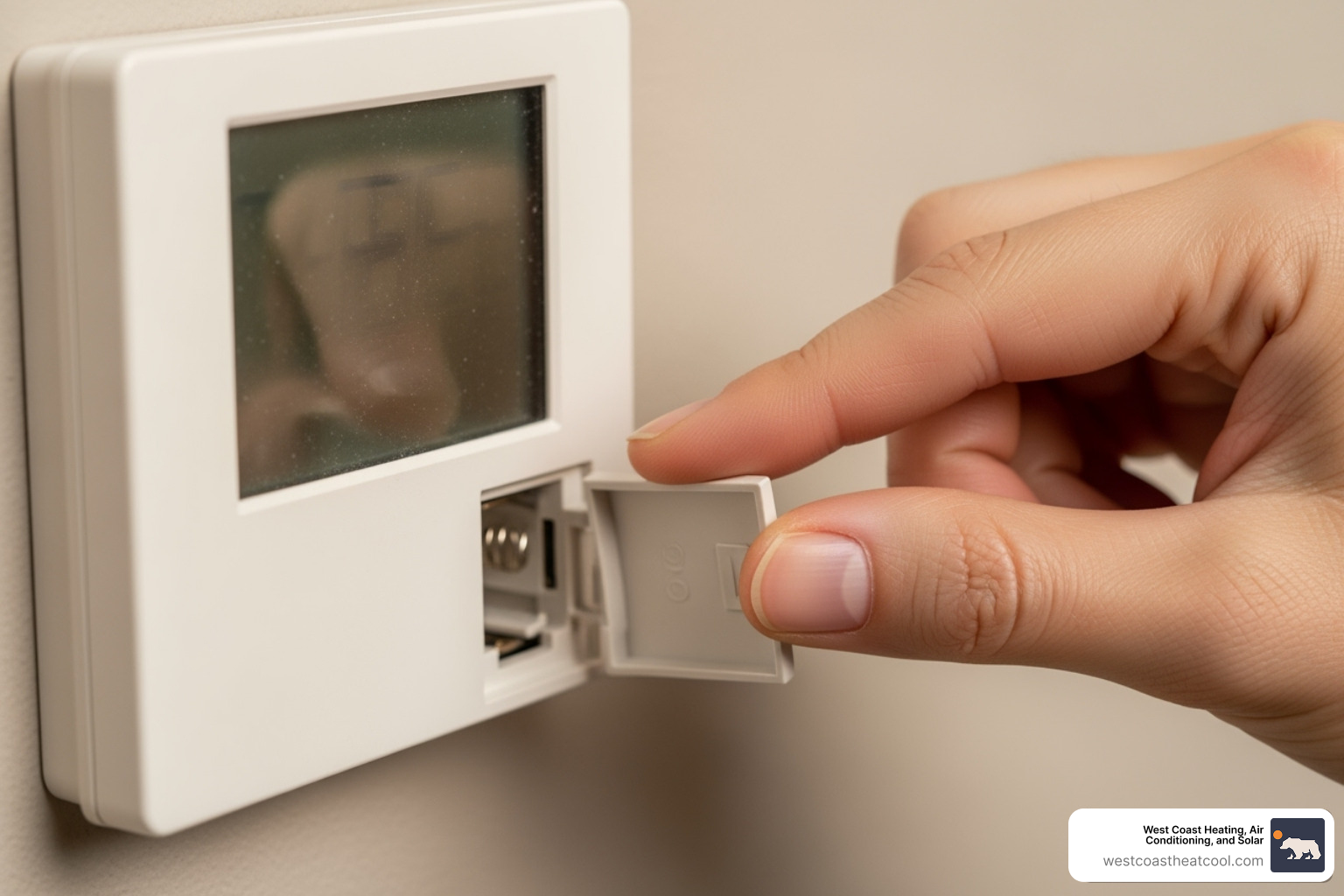
First, check your thermostat settings. Ensure it's set to "Cool" mode, not "Heat" or "Off," and that the target temperature is lower than the current room temperature. Also, check the fan setting; "Auto" is usually the most efficient choice, as "On" will run the fan constantly, even when the AC isn't cooling.
Next, investigate power supply issues. The most common culprit is dead batteries. For hardwired systems, check if the circuit breaker has tripped. Find the HVAC breaker in your electrical panel and reset it by switching it fully to "Off" and then back to "On." Also, locate the furnace safety switch (it looks like a light switch near your indoor unit) and make sure it's in the "On" position.
These simple oversights cause many service calls. Our guide on 4 Thermostat Mistakes You're Likely to Make in Chula Vista, CA can help you avoid common pitfalls.
Troubleshooting a Blank or Unresponsive Screen
A blank screen almost always means a loss of power. Start by replacing the batteries. If that doesn't work, check the circuit breaker and the HVAC safety switch. You can also try resetting the thermostat by removing the batteries for 30 seconds or using the reset button if your model has one.
If the screen is on but the controls are unresponsive, check for a lock feature. Many thermostats have a child lock, indicated by a small lock icon. Consult your manual for the open uping procedure, which usually involves holding a combination of buttons. If it's not locked, try power cycling the thermostat by removing the batteries or flipping the circuit breaker. This simple reboot can clear minor software glitches. When your AC Thermostat Stops Working due to these issues, basic troubleshooting usually restores normal operation.
Diagnosing Common Symptoms of a Malfunctioning Thermostat
Sometimes, even when the screen is on and the buttons work, your home is still uncomfortable. When your AC thermostat is not working properly, it can cause subtle but frustrating issues.
Common symptoms include the HVAC system short cycling (turning on and off frequently), running continuously without reaching the set temperature, or displaying an incorrect room temperature. These issues often point to calibration problems, sensor errors, or airflow restrictions. Understanding these symptoms can help you be Cost Efficient and Save Electricity With Your Thermostat.
Incorrect Temperature Readings
If your thermostat reading doesn't match how the room feels, it may need recalibration. Place a separate, reliable thermometer next to it. If there's a difference of more than a few degrees, your thermostat's sensor is off. Many digital models have a recalibration feature in their settings menu. A dirty or failing sensor can also cause inaccurate readings. While cleaning may help, a damaged sensor often requires a thermostat replacement. Choosing The Right Air Conditioning Thermostat for You is key for long-term reliability.
System Short Cycling or Running Constantly
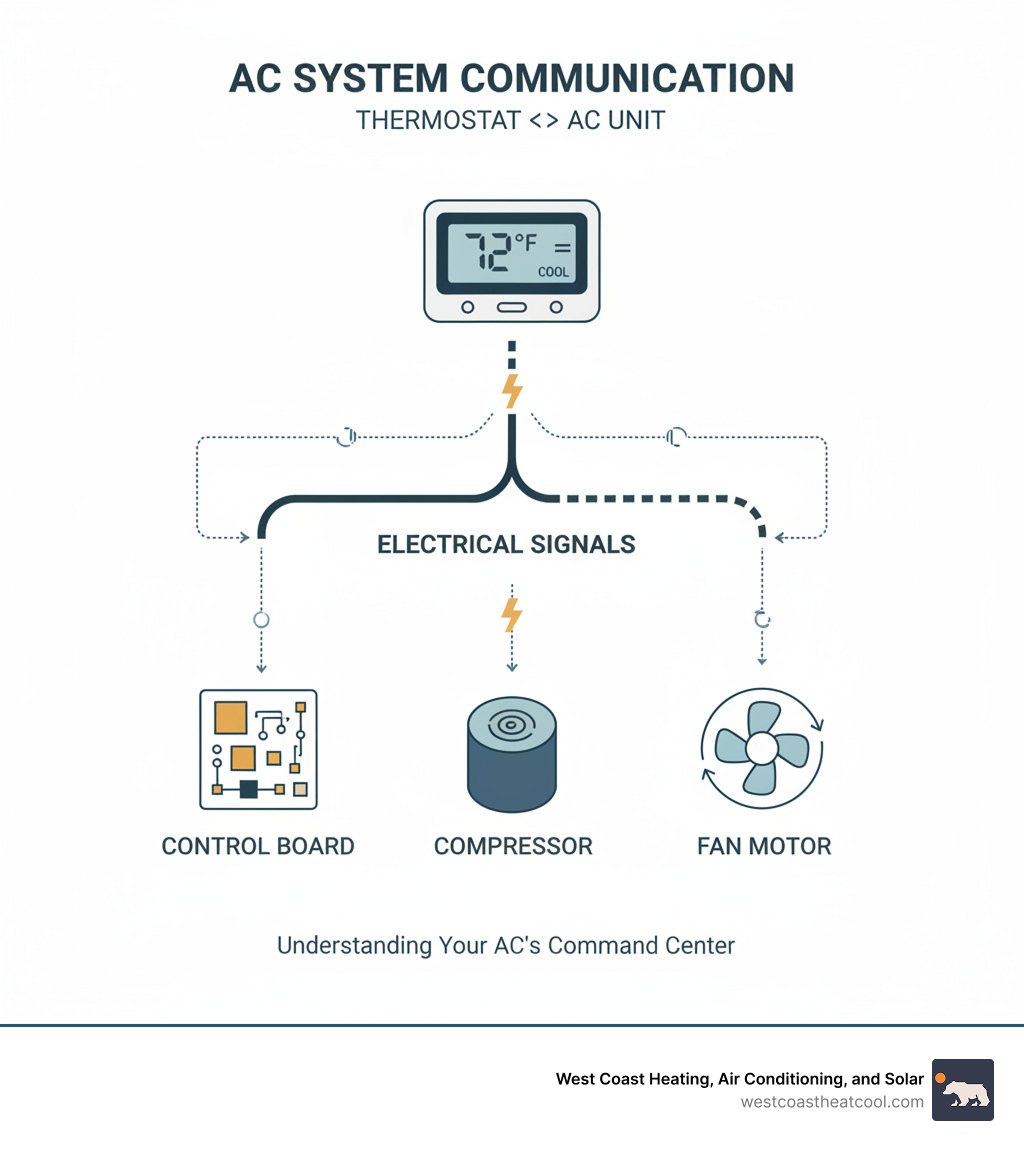
An AC that turns on and off every few minutes (short cycling) or never shuts off is a common sign of trouble. First, ensure the fan is set to "Auto," not "On." A dirty air filter is another frequent cause, as it restricts airflow and forces the system to work harder. This can lead to overheating and short cycling or prevent the system from ever reaching the target temperature. Also, check for blocked vents or return grilles. Faulty wiring or sensor issues can also disrupt communication and cause erratic behavior. For advanced systems, these communication pathways are critical, as explored in our guide on Thermostats and Controls: A Closer Look at ComfortLink.
Smart vs. Traditional: Tailoring Your Troubleshooting
Troubleshooting an AC thermostat not working depends on whether you have a traditional or smart model. Traditional thermostats are simple, while smart models add Wi-Fi, apps, and complex software. This complexity affects how you diagnose problems. If you're considering an upgrade, our guide on Is a Smart Thermostat Worth Buying can help.
Feature / IssueTraditional Thermostats (Mechanical/Digital)Smart ThermostatsPower IssuesDead batteries, tripped breaker, loose wiresDead batteries (some models), tripped breaker, loose wiresDisplay IssuesBlank screen (power), faded displayBlank screen (power/firmware), unresponsive touchscreen, Wi-Fi error messagesConnectivityDirect wired connection to HVAC systemWired connection plus Wi-Fi for remote featuresCalibrationManual adjustment with internal screwAutomatic calibration or digital offset in app settingsCommon FixesBattery replacement, circuit reset, cleaning, physical levelingWi-Fi reset, app troubleshooting, firmware updates, power cycling
Traditional Thermostat Issues
For older mechanical thermostats, ensure the unit is perfectly level on the wall, as a tilt can affect the mercury switch or bimetallic strip that regulates temperature. For both mechanical and simple digital models, check for loose wiring connections (with the power off) and consider manual recalibration if temperature readings are consistently inaccurate.
Smart Thermostat Glitches
Smart thermostat problems often involve connectivity. If your thermostat is "offline," try rebooting your Wi-Fi router and power cycling the thermostat itself by flipping the circuit breaker. App or software issues can sometimes be fixed by updating or reinstalling the app. Also, be aware that automatic firmware updates or manufacturer server outages can temporarily cause problems, though your thermostat should still handle basic heating and cooling.
Beyond the Screen: Physical Factors Affecting Your Thermostat
Sometimes when your AC thermostat is not working, the problem is its physical environment. These issues are often the easiest to fix.
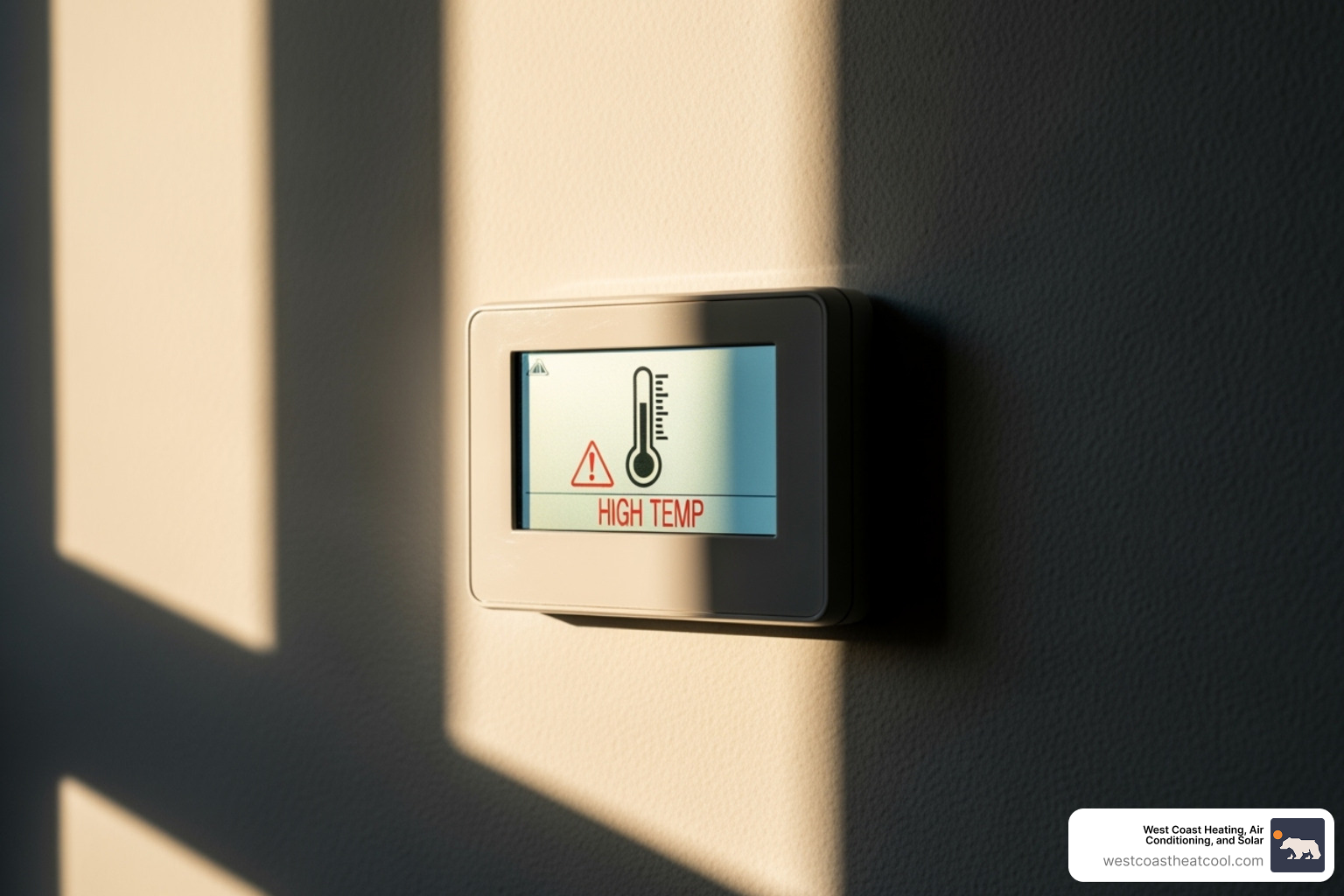
Your thermostat's location is critical. If it's in direct sunlight, near heat sources like lamps or TVs, or exposed to drafts from windows, its temperature readings will be inaccurate. This can cause your AC to run too much or not enough. The ideal spot is on an interior wall in a central location. Also, ensure the thermostat is properly leveled, especially older mechanical models.
The Impact of Dirt and Debris
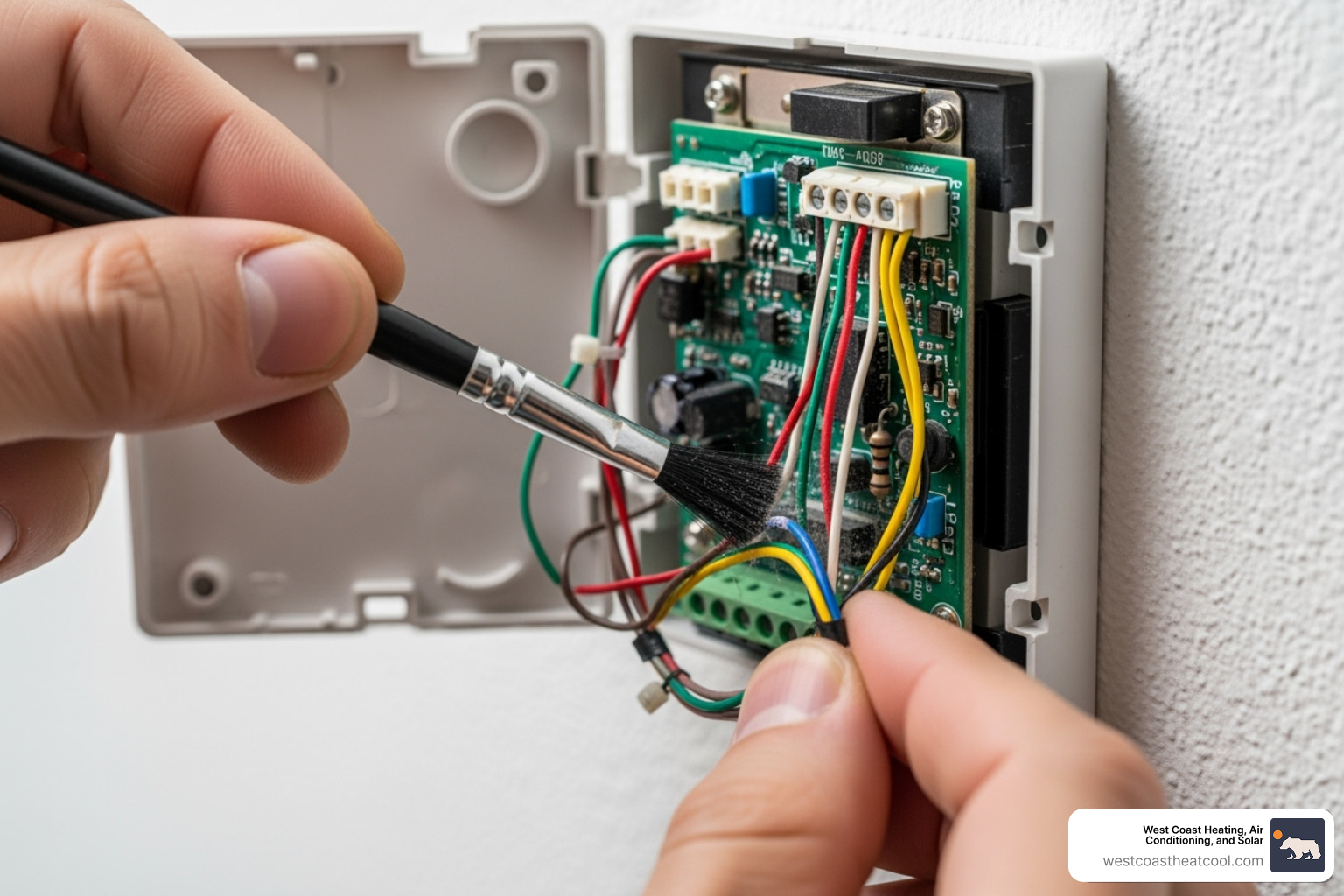
Dust and debris inside your thermostat can interfere with its sensors, leading to poor performance. To clean it, first turn off the power at the circuit breaker. Remove the cover and gently use a soft brush or a can of compressed air to clear away any buildup from the internal components.
Faulty Wiring and Damaged Sensors
If simpler fixes don't work, check the wiring. With the power off, remove the cover and gently tug on each wire to ensure it's secure in its terminal. Tighten any loose connections. If you see corroded wires or other damage you're not comfortable fixing, it's time to call a professional. Your safety is the top priority.
When DIY Isn't Enough: Signs You Need a Professional
While many thermostat issues are simple DIY fixes, sometimes an AC thermostat not working requires professional help.
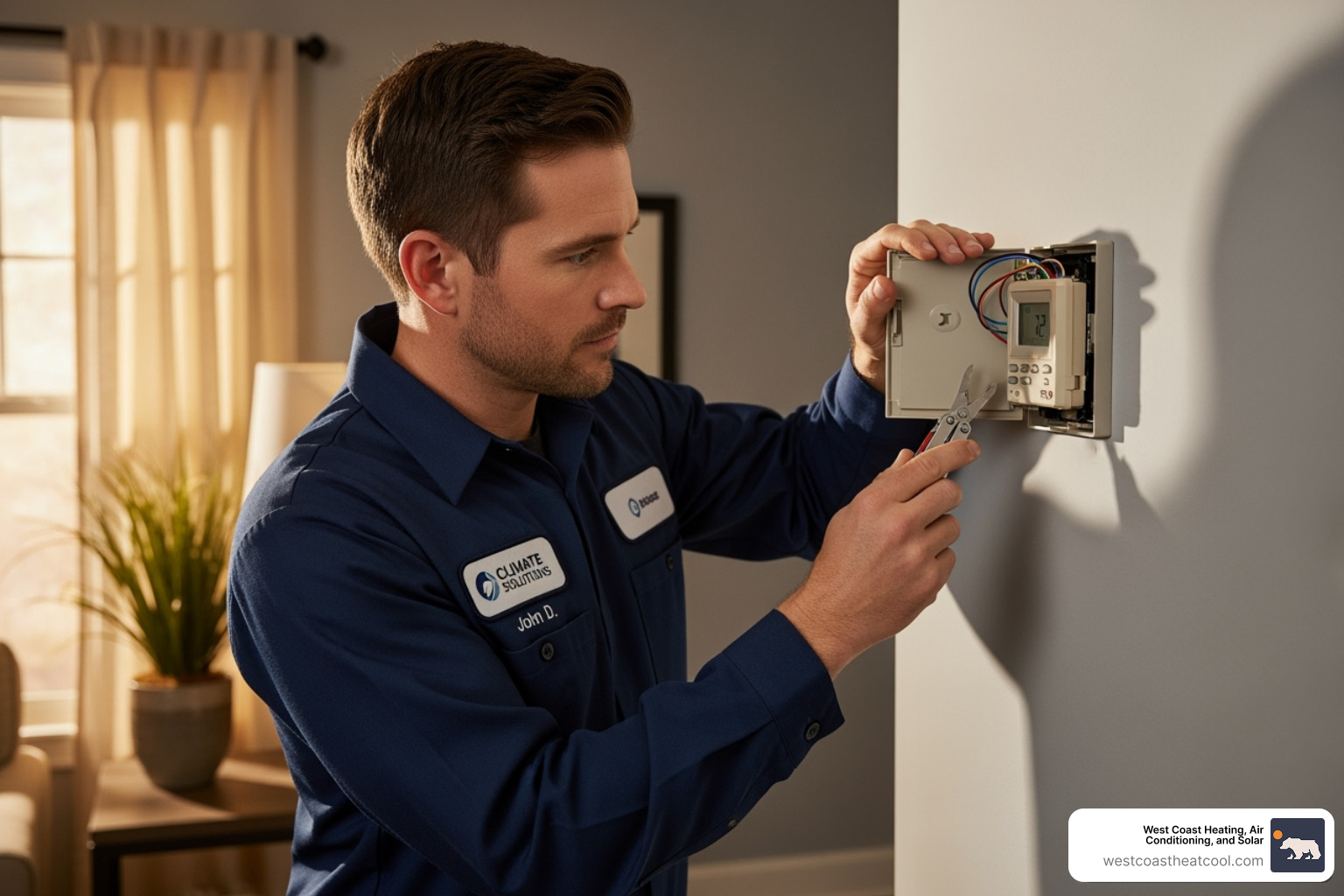
If you've tried all the troubleshooting steps and the problem persists, it's time to call an expert. Deeper issues could include internal component failure or complex electrical problems. Any signs of electrical trouble, like buzzing sounds or a breaker that keeps tripping, demand immediate professional attention. Also, if your thermostat is over 10 years old, it may be more cost-effective to replace it than to continue with repairs. For more guidance, see our article on whether your thermostat is beyond repair in Hillcrest, CA.
4 Signs Your Thermostat Needs Replacement
Certain red flags indicate that replacement is the smartest choice. Here are four telling signs:
- Frequent Malfunctions: If your thermostat constantly needs attention, resets, or new batteries, it's likely failing.
- Incompatibility with New HVAC System: An older thermostat may not be able to communicate with a new, high-efficiency HVAC system, limiting its performance.
- High Energy Bills: A faulty thermostat can cause your AC to run inefficiently, driving up utility costs.
- Failure to Respond After All Troubleshooting: If you've tried every fix and the thermostat is still unresponsive, its internal components have likely reached the end of their life.
Upgrading can transform your comfort and save money. Learn more in our guides on 4 Signs Your Thermostat Needs to be Replacing in Escondido, CA and how to Upgrade Your Thermostat to Reap These 4 Benefits in Oceanside, CA.
Frequently Asked Questions about an AC Thermostat Not Working
When your AC thermostat is not working, you likely have questions. Here are answers to the most common ones we hear from San Diego homeowners.
Why is my thermostat blank even after changing the batteries?
A blank screen can indicate a deeper power issue beyond batteries, such as a tripped circuit breaker, a blown fuse in the air handler, or a problem with the HVAC system's transformer that supplies power to the thermostat.
Can a faulty thermostat cause my AC to blow warm air?
Yes, if the thermostat is miscalibrated or has a faulty sensor, it might not correctly signal the outdoor condenser to turn on, causing the system's fan to blow uncooled, ambient air.
How often should a thermostat be replaced?
The average lifespan of a thermostat is about 10-15 years. If your thermostat is older, experiences frequent issues, or lacks modern energy-saving features, it's a good candidate for replacement.
Regain Control of Your Comfort
A working thermostat is key to a comfortable and efficient home. While many issues can be solved with simple DIY fixes like changing batteries or checking settings, some problems require professional expertise. When your AC thermostat is not working despite your best efforts, it's time to call for backup.
At West Coast Heating Air Solar & Plumbing, we've been the trusted choice for San Diego County homeowners since 1996. Our experienced technicians serve communities from Chula Vista to Oceanside, providing comprehensive solutions that restore your comfort and peace of mind. We don't just fix the immediate problem; we ensure your entire system runs efficiently.
Don't let a faulty thermostat disrupt your comfort. If you've exhausted the troubleshooting steps in this guide or suspect a deeper issue, we're here to help. Contact us for expert AC repair services in El Cajon, CA and let us help you reclaim your home as a refuge from the heat.
.svg)